Branding
The Branding interface is responsible for changing the Biocapture iOS SDK's branding. The SDK prefers resources and colors from the BcmBranding object and falls back to built-in resources only when no custom resource or property is provided.
The following properties are available for modification:
| Type | Asset Name | Description | Examples | | -- | -- | -- | -- | | Color | universalPrimary |
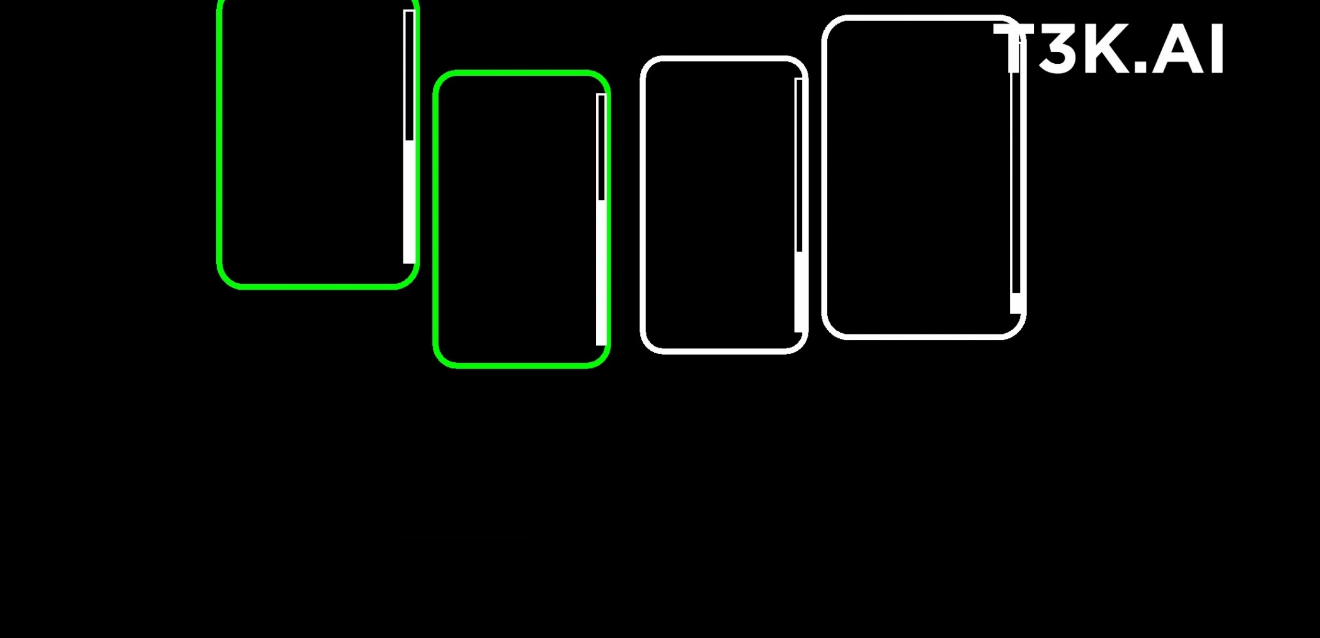
Tint color for control bars, navigation bars, and buttons.
|  | | Color |
 fingerLiveBoundingBoxInitial |
Finger live preview. Initial bounding box color. | (see above) | | Color
| fingerLiveBoundingBoxScoreReached | Finger live preview. Bounding box color when the configured
score threshold is reached. | (see above) | | Color | fingerLiveUnselected | Finger live preview.
Bounding box color for fingers which are not selected. | (see above) | | Color | fingerSelected |
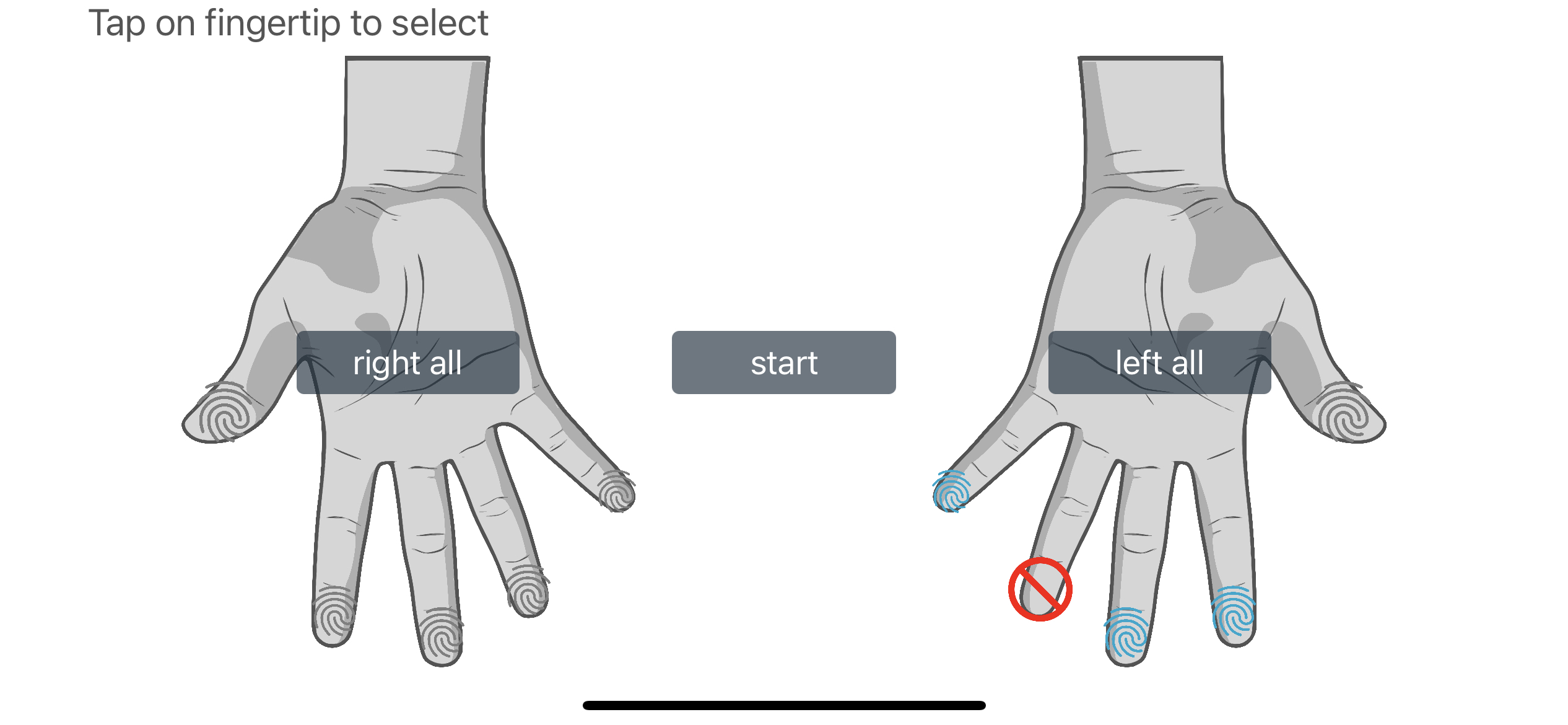
Finger selection view. Finger is selected color.
|  | | Color |
 fingerUnselected | Finger
selection view. Finger is unselected color. | (see above) | | Color | fingerExcluded | Finger
selection view. Finger is excluded color. | (see above) | | Color | fingerSelectedStartButton |
Finger selection view. Start button color. | (see above) | | Image | scanLogo | Scan logo image.|
| Text | txtFingerSelectionPortraitRBtnRight | Right hand button text in portrait mode | | Text
| txtFingerSelectionPortraitRBtnLeft | Left hand button text in portrait mode | | Text
| txtFingerSelectionPortraitBtnAll | All hand button text in portrait mode | | Text
| txtFingerSelectionLandscapeBtnRightAll | Right hand all button text in landscape mode | | Text
| txtFingerSelectionLandscapeBtnLeftAll | Left hand all button text in landscape mode | | Text
| txtFingerSelectionTitle | Title in finger selection view | | Text | txtFingerSelectionStart |
Start button text in finger selection view | | Text | txtScanFragmentStatusLeftHand | Left hand
text in scan view | | Text | txtScanFragmentStatusRightHand | Right hand text in scan view | |
Text | txtScanFragmentStatusThumbs | Thumbs text in scan view | | Text
| txtScanFragmentStatusLeftThumb | Left thumb text in scan view | | Text
| txtScanFragmentStatusRightThumb | Right thumb text in scan view | | Text
| txtScanFragmentBtnNext | Next button text in scan view | | Text | txtScanFragmentBtnFinish |
Finish button text in scan view | | Text | txtSwitchFingersTitle | Title for dialog box in scan
view | | Text | txtSwitchFingersBtnOk | Ok button text for dialog box in scan view | | Text
| txtIdCalibrationTitle | Title for dialog box in Id Calibration view | | Text
| txtScanIdCalibrationInfo | Information for Id calibration in Id calibation view | | Text
| txtHandScanTitle | Title for dialog box in scan view | | Text | txtHandScanInfo | Information
for dialog box scan view | | Image | imageScanFragmentHandTemplate | Hand template image in scan
view
|  | Image |
 imageScanFragmentBothThumbsTemplate | Both thumbs template image in scan
view|  | Image |
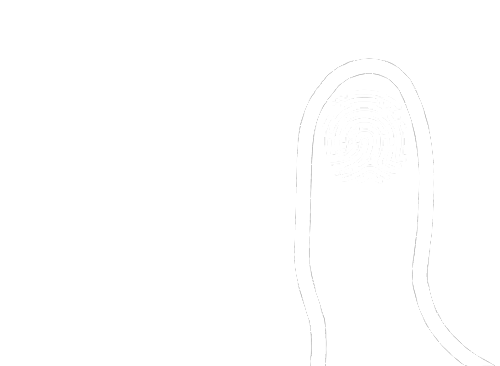
 imageScanFragmentLeftThumbsTemplate | Left thumb template image in scan view
|  | Image |
 imageScanFragmentRightThumbsTemplate | Right thumb template image in scan view
|  | Image |
 imageScanFragmentStatusLeftHand | Left hand status image in scan view
|  | Image |
 imageScanFragmentStatusRightHand | Right hand status image in scan view
|  | Image |
 imageScanFragmentStatusThumbs | Thumbs image status in scan view
|
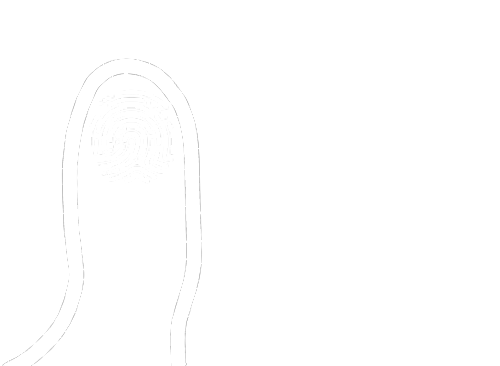
| Image | imageScanFragmentStatusLeftThumb | Left thumb status image in scan view
|  | Image |
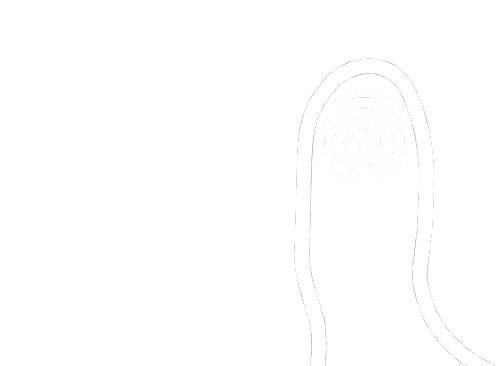
 imageScanFragmentStatusRightThumb | Right thumb status image in scan view
|
Usage
For the usage, please refer to the class documentation of BcmBranding.